

openBIM
IFC Viewer
Open and analyse IFC models online
Manage, create and edit BCF topics
Performance
Powerful, even with many models
Load and merge multiple IFC models quickly and easily. Thanks to conversion into the high-performance FRAG format, large models open in seconds. Techniques from the gaming industry ensure a smooth experience, even with a huge number of model elements.
Information
Everything at a glance
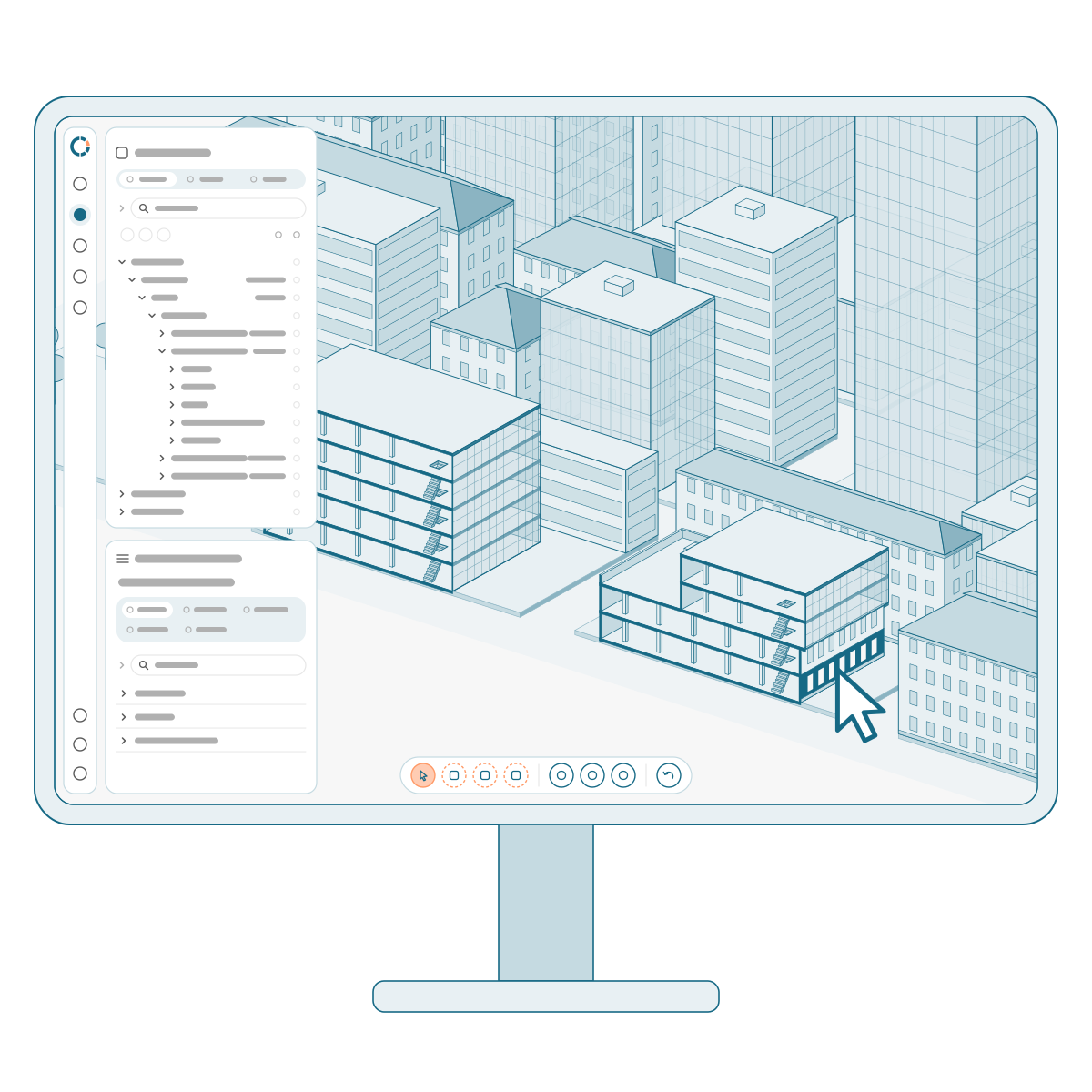
IFC models are packed with structured information. Switching between different model trees makes building elements easy to find in the crais Viewer. Relations shows the complete building hierarchy, Types sorts elements by class and type, and Storeys groups the floors of different models.
Element information such as material values or component properties is displayed in a structured way and provides a detailed overview.
The user interface is customisable and lets users set up their workspace to fit their needs.
Measuring
Straight from the model
Lengths, areas and volumes can be taken directly from the model geometry. Snapping to points, edges and faces makes measurements precise. When measuring areas and volumes, all measurements are added up automatically and the total is displayed clearly.
Clipping
Exactly where you need it
A simple click on a component face places a clipping plane. Clipping planes can be moved freely and hidden. To isolate or narrow down areas, the clipping box is perfect. It brings six clipping planes together.
BCF topics
Created in no time
BCF is ideal for communicating in BIM projects. The format contains all the information needed for software-independent exchange. In the crais Viewer, BCF topics can be created, edited and pinned to the exact spot in the model. Sketching on snapshots makes topics even easier to understand.
BCF management
Every topic at a glance
With many BCF topics, keeping track of them is essential. Besides importing and exporting BCF files, the BCF management in the crais Viewer offers an easily configurable table for filtering, sorting and editing topics. A snapshot preview and colour accents keep the display clear.